Buying an office chair sounds simple—until you actually start looking.
You open a few product pages and suddenly you’re hit with confusing terms like lumbar support, tilt tension, 4D armrests, and ergonomic design. Every chair claims to be “comfortable,” but after a few hours of sitting, your back still hurts.
If you’ve ever thought, “Why is this chair uncomfortable even though it looked good online?” — you’re not alone.
The truth is, most people don’t understand which office chair features actually matter.
In this guide, we’ll break down all the essential office chair features in simple English, show you the best chairs in 2026, and help you choose the right one without wasting money.
If you work long hours, you should also explore the best chair for long sitting hours for maximum comfort and productivity.
🪑 Quick Comparison Table: Top Office Chairs (2026)
| Product | Image | Lumbar Support | Adjustability | Action |
|---|---|---|---|---|
| SIHOO M57 |
|
Adjustable | High | Check Price |
| Hbada Chair |
|
Basic | Medium | View Deal |
| Nouhaus Ergo3D |
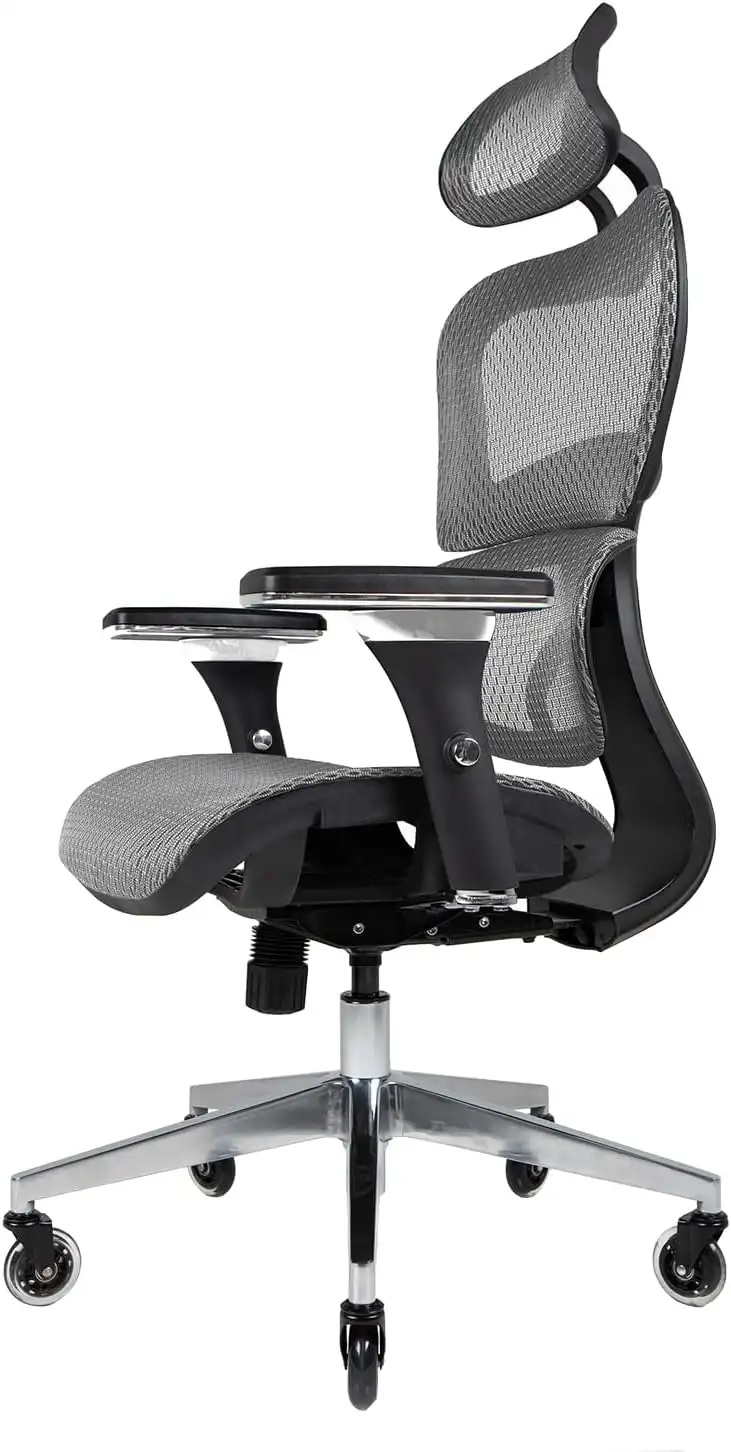
|
Dynamic | Very High | Buy Now |
| Steelcase Series 1 |
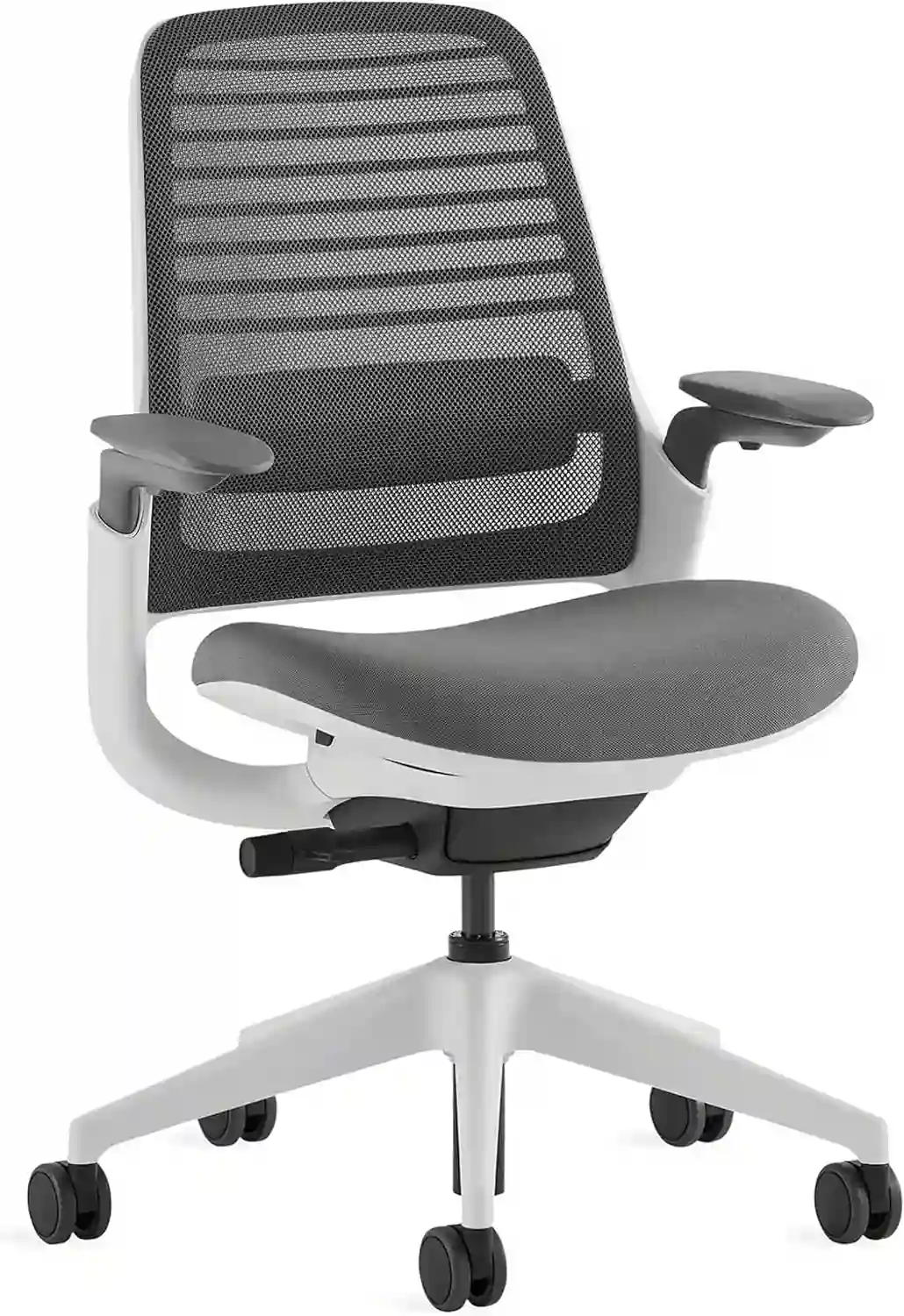
|
Advanced | High | Check Price |
| Herman Miller Aeron |
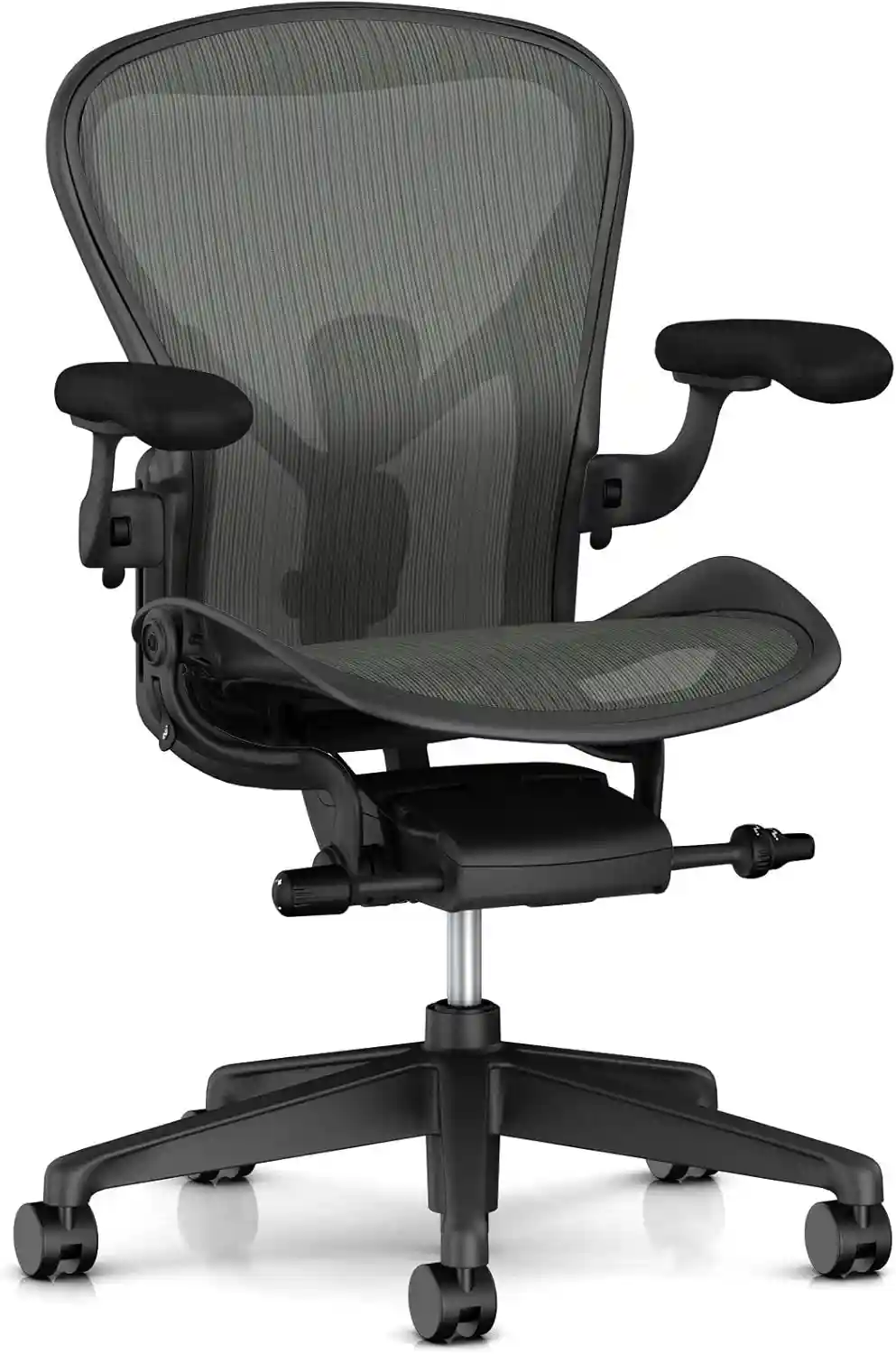
|
Advanced | Very High | View Price |
🧠 Office Chair Features Explained (Simple Guide)
Before jumping into product reviews, let’s understand the most important features.
1. Lumbar Support (Most Important)
This supports your lower back and keeps your spine in a natural curve.
- Fixed lumbar → basic support
- Adjustable lumbar → better comfort
- Dynamic lumbar → moves with your body
👉 If you sit more than 6 hours daily, always choose adjustable lumbar support.
For better support, explore our guide on best ergonomic chairs for lower back pain to reduce discomfort during long sitting hours.
2. Seat Height Adjustment
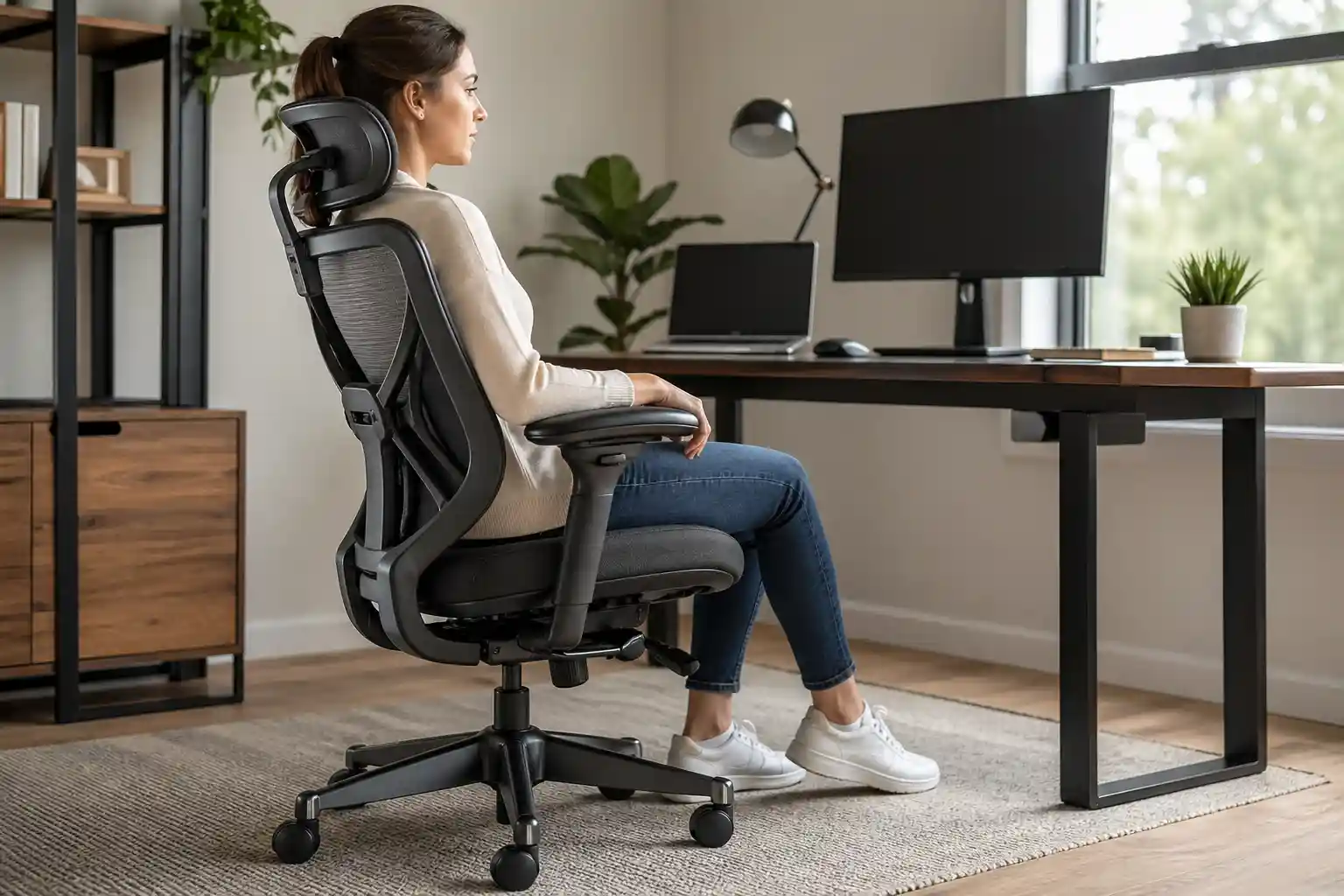
Your feet should rest flat on the floor.
- Knees at 90-degree angle
- Thighs parallel to the ground
This helps reduce pressure on your lower back.
3. Backrest Recline & Tilt
A good chair should recline slightly.
- 90° → upright (working)
- 100–110° → relaxed (ideal)
Tilt tension lets you control how easy it is to lean back.
4. Armrests (2D, 3D, 4D)
- 2D → up/down
- 3D → up/down + forward/back
- 4D → full movement
👉 3D or 4D armrests reduce shoulder strain.
5. Seat Cushion & Depth
- Medium-firm cushion is best
- Seat depth should support thighs without pressing knees
Too soft = back pain
Too hard = discomfort
6. Material (Mesh vs Foam)
Mesh:
- Breathable
- Great for long hours
Foam:
- Softer
- More premium feel
Still confused between materials? Read our full mesh vs leather office chair comparison to choose the best option for comfort and airflow.
7. Headrest (Optional but Useful)
Supports your neck during long sessions or reclining.
🏆 Best Office Chairs (Detailed Reviews)
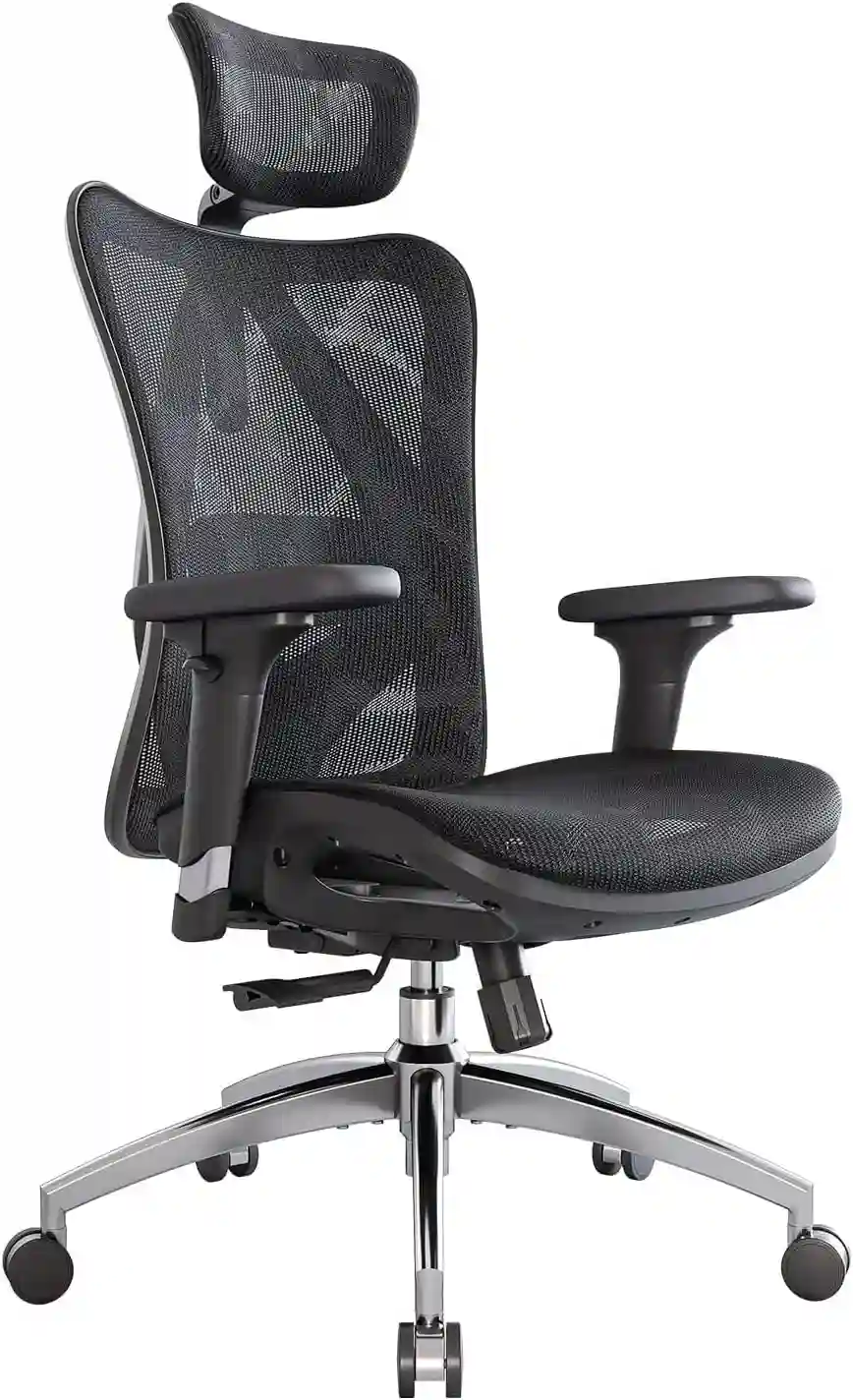
1. SIHOO M57 Ergonomic Chair
Best for: Most people (top value pick)
This chair offers almost every important feature without a high price.
⭐ SIHOO M57 Ergonomic Chair
Best for: Back pain & long sitting
- ✔ Adjustable lumbar support
- ✔ Breathable mesh
- ✔ Reclining backrest
👉 Limited stock – check now
Check PriceFeatures:
- Adjustable lumbar support
- 3D armrests
- Recline with tilt lock
- Breathable mesh back
Pros:
- Great ergonomic support
- Affordable for features
- Good for 6–8 hours use
Cons:
- Cushion could be thicker
- Assembly takes time
👉 Best For: Work-from-home users and office workers
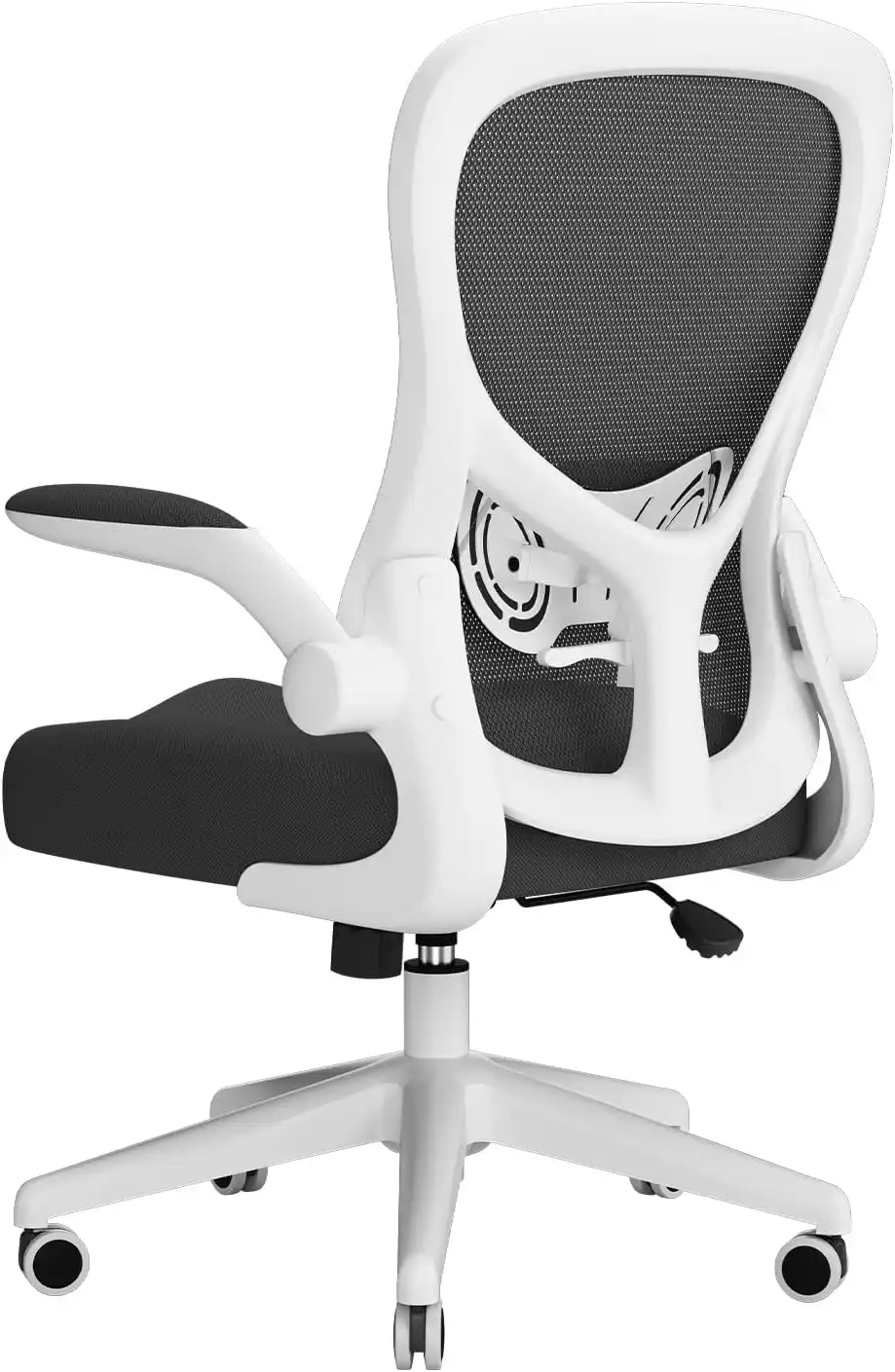
2. Hbada Ergonomic Office Chair
Best for: Budget buyers
A simple chair that covers basic needs.
💰 Hbada Ergonomic Office Chair
Best for: Small spaces
- ✔ Compact design
- ✔ Flip-up armrests
- ✔ Lightweight
Features:
- Fixed lumbar support
- Flip-up armrests
- Compact design
Pros:
- Budget-friendly
- Space-saving
- Easy to use
Cons:
- Limited adjustability
- Not ideal for long hours
👉 Best For: Students and light use
3. Nouhaus Ergo3D Chair
Best for: Long working hours (8–10 hours)
Designed for people who sit all day.
🪑 Nouhaus Ergo3D Chair
Best for: Long sitting hours
- ✔ 4D armrests
- ✔ Dynamic lumbar support
- ✔ Strong build
Features:
- Dynamic lumbar support
- 4D armrests
- Full mesh design
- Smooth recline
Pros:
- Very comfortable
- Highly adjustable
- Durable build
Cons:
- Higher price
- Bulky size
👉 Best For: Programmers, gamers, remote workers
4. Steelcase Series 1
Best for: Premium comfort
A trusted brand known for quality and durability.
👑 Steelcase Series 1
Best for: Premium comfort
- ✔ Adaptive lumbar
- ✔ High durability
- ✔ Professional design
Features:
- Adaptive lumbar support
- Weight-activated recline
- Flexible seat edges
Pros:
- Long-lasting
- Excellent posture support
- Professional design
Cons:
- Expensive
- Fewer customization options
👉 Best For: Office professionals
5. Herman Miller Aeron Chair
Best for: Overall best performance
This is one of the most advanced ergonomic chairs available.
🔥 Herman Miller Aeron
Best for: High-end users
- ✔ PostureFit support
- ✔ Premium build
- ✔ Long-lasting
Features:
- PostureFit lumbar system
- Fully adjustable design
- Breathable mesh
- Multiple size options
Pros:
- Top-tier comfort
- Perfect spine support
- Extremely durable
Cons:
- Very expensive
- Not for tight budgets
👉 Best For: Serious users who want the best
🛒 Buying Guide: How to Choose the Right Chair
Choosing the right chair depends on your needs.
✔ For Budget Users
Go for:
- Basic lumbar support
- Medium adjustability
👉 Example: Hbada
If you’re on a budget, you can also check our best office chairs under $200 to find affordable yet comfortable options.
✔ For Daily Work (6–8 hours)
Look for:
- Adjustable lumbar
- Recline feature
- Good cushion
👉 Example: SIHOO M57
✔ For Long Sitting (8+ hours)
You need:
- Dynamic lumbar
- 4D armrests
- Breathable material
👉 Example: Nouhaus Ergo3D
If you work more than 8 hours daily, it’s better to invest in a chair designed for extended use. Check our best office chairs for long sitting hours for top recommendations.
✔ For Premium Comfort
Choose:
- Advanced lumbar system
- High durability
- Brand reliability
👉 Example: Steelcase / Aeron
💡 Tips to Sit Comfortably (Even With a Good Chair)
Even the best chair won’t help if your habits are bad.
- Sit straight with back supported
- Keep screen at eye level
- Take breaks every 30–60 minutes
- Stretch your back and shoulders
- Avoid slouching
❓ FAQs
1. What is the most important feature in an office chair?
Lumbar support is the most important because it protects your lower back.
2. Are expensive chairs really better?
Yes, they usually offer better support, durability, and comfort for long-term use.
3. Is mesh better than foam?
Mesh is better for airflow, while foam feels softer. Choose based on your comfort.
4. How long should I sit in a chair daily?
Try not to sit more than 6–8 hours without breaks.
5. Can a chair fix back pain?
A good chair can reduce pain, but posture and movement also matter.
🏁 Final Verdict: Which Chair Should You Choose?
If you’re confused, here’s a simple recommendation:
- Best Budget: Hbada Ergonomic Chair
- Best Value: SIHOO M57
- Best for Long Hours: Nouhaus Ergo3D
- Best Premium: Steelcase Series 1
- Best Overall: Herman Miller Aeron
👉 Top Recommendation: SIHOO M57 — It offers the best balance of comfort, features, and price for most people.
✅ Final Thoughts
Understanding office chair features can save you from pain, discomfort, and wasted money.
Don’t just buy a chair based on looks or price.
Focus on:
- Lumbar support
- Adjustability
- Comfort
👉 A good chair is not just furniture—it’s your daily support system.
Ready to upgrade your comfort?
Check the top recommended chairs and choose the one that fits your needs today.
Want to explore more options? Browse all office chair guides here and find the perfect chair for your needs.