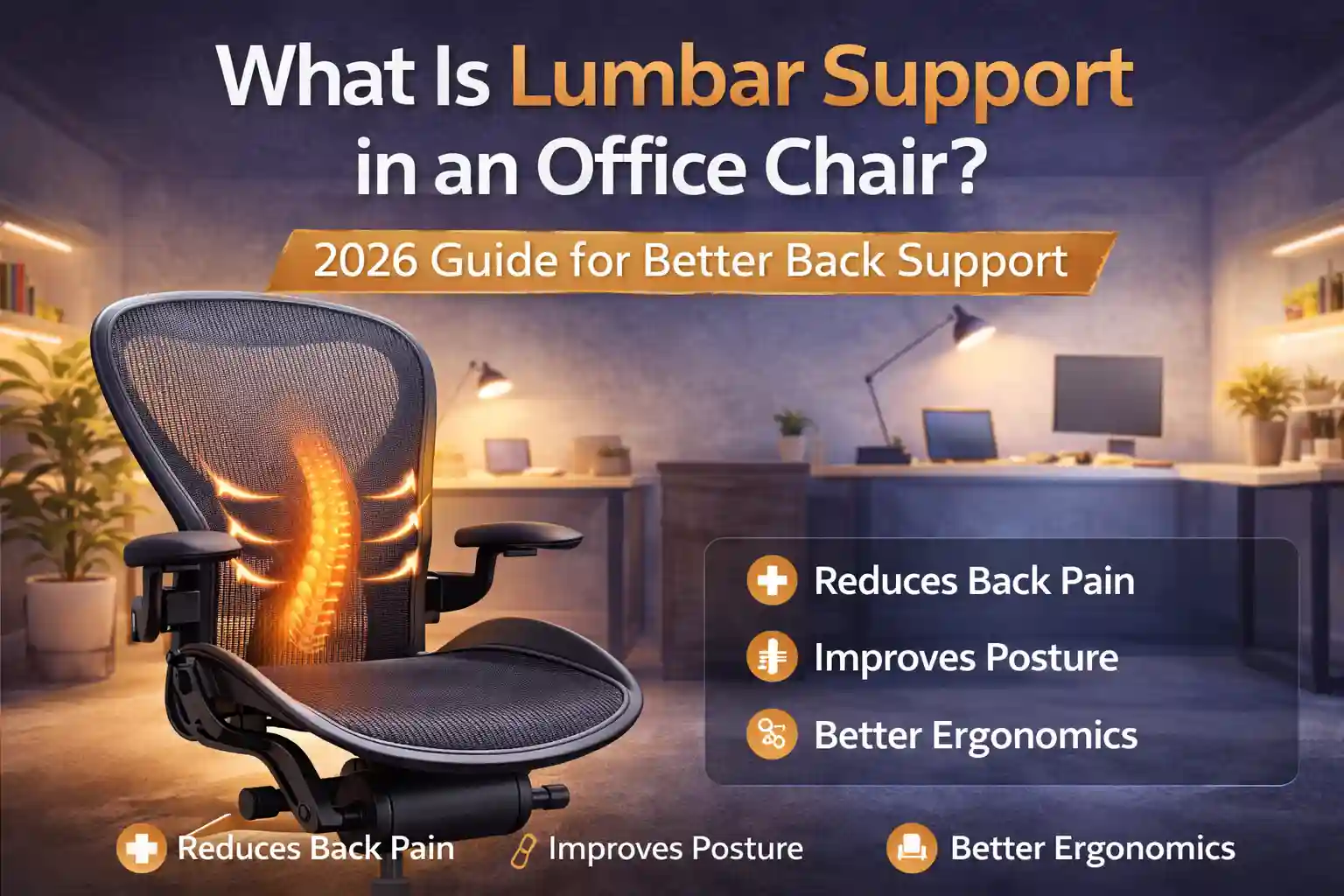
If you sit at a desk for 6–10 hours a day, you’ve probably experienced lower back pain, stiffness, or poor posture. Many people assume the problem is simply sitting too long. But in reality, the issue is often lack of proper lumbar support in their office chair.
The lower part of your spine naturally curves inward. When a chair doesn’t support this curve, your back muscles work harder to keep you upright. Over time, this can lead to back pain, fatigue, and poor posture.
That’s why ergonomic office chairs include something called lumbar support. This feature helps support the natural curve of your lower spine and keeps your posture healthy during long work hours.
In this guide, you’ll learn:
- What lumbar support in an office chair means
- Why it is important for posture and back pain
- The best office chairs with lumbar support
- How to choose the right ergonomic chair for your needs
| Product | Key Feature | Best For | Buy |
|---|---|---|---|
| Herman Miller Aeron Chair | Premium mesh design | Best Overall | View Price |
| Steelcase Leap Office Chair | LiveBack spine support | Best for adjustability | View Price |
Quick Comparison Table – Best Office Chairs with Lumbar Support
| Chair | Best For | Lumbar Support | Action |
|---|---|---|---|
| Herman Miller Aeron | Best Overall | PostureFit Adjustable | Check Price |
| Steelcase Leap | Best Adjustable | LiveBack Support | Check Price |
| SIHOO M57 | Best Value | Dual Adjustable | Check Price |
| Hbada Ergonomic Chair | Best Budget | Built-in Support | Check Price |
| GTPLAYER Office Chair | Best for Long Hours | Adjustable lumbar depth | Check Price |
What Is Lumbar Support in an Office Chair?
Lumbar support is the curved support area in the lower part of an office chair backrest that helps maintain the natural curve of your lower spine.
The word lumbar refers to the lower back region of the spine.
Without lumbar support:
- Your lower back collapses
- Your posture becomes slouched
- Pressure increases on spinal discs
With proper lumbar support:
- Your spine stays in a neutral position
- Back muscles relax
- Sitting becomes more comfortable for longer periods
In simple terms, lumbar support fills the gap between your lower back and the chair, preventing slouching.
Why Lumbar Support Is Important
Many people ignore lumbar support when buying a chair. But it’s one of the most important ergonomic features.
Here are the biggest benefits.
1. Reduces Lower Back Pain
Lower back pain is one of the most common problems among desk workers.
A chair with lumbar support helps distribute weight evenly and reduces pressure on the spine.
👉 If you experience discomfort after long work hours, this detailed guide explains how to fix back pain from sitting all day with simple posture and chair adjustments.
2. Improves Posture
Without support, people tend to lean forward or slouch.
Lumbar support keeps your spine aligned and encourages healthy sitting posture.
3. Prevents Muscle Fatigue
When your chair supports your back properly, your muscles don’t have to work as hard to keep you upright.
This reduces fatigue during long work sessions.
4. Improves Productivity
When you sit comfortably, you can focus better on your work instead of constantly adjusting your position.
Best Office Chairs with Lumbar Support
Below are some of the best ergonomic chairs with strong lumbar support.
1. Herman Miller Aeron – Best Overall Lumbar Support
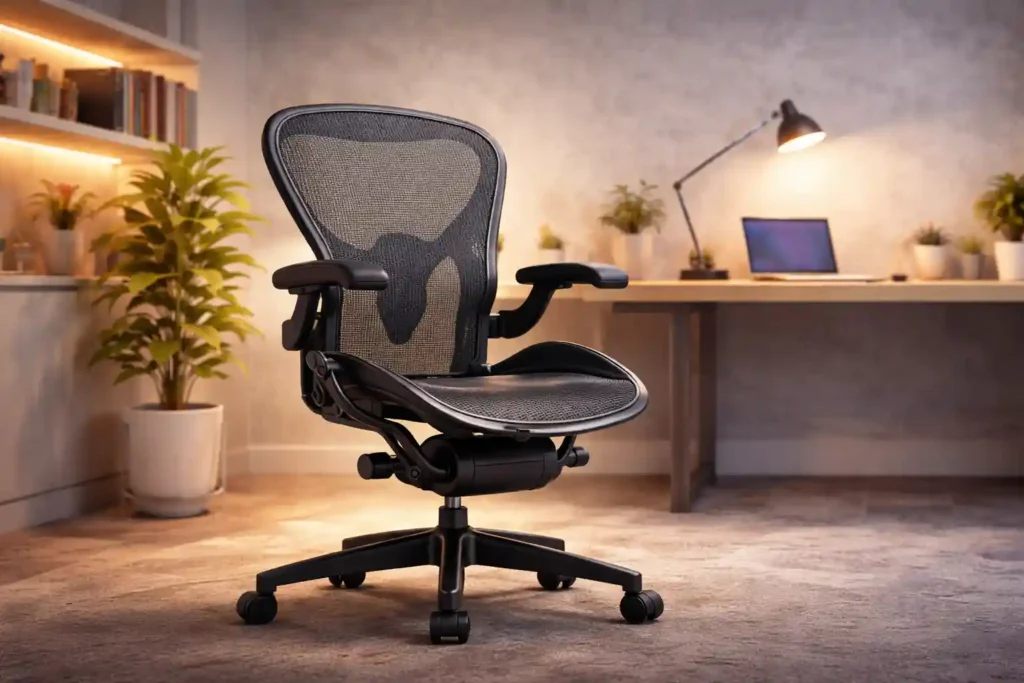
The Herman Miller Aeron is widely considered one of the best ergonomic office chairs available today.
Herman Miller Aeron Chair
- ✔ Industry-leading ergonomic design
- ✔ Breathable mesh seat and back
- ✔ Adjustable lumbar support
- ✔ Premium long-lasting build quality
Key Features
- Advanced PostureFit lumbar support
- Breathable mesh design
- Multiple chair sizes
- Adjustable tilt system
Pros
✔ Excellent back support
✔ Premium ergonomic design
✔ Durable high-quality materials
Cons
✘ Expensive price
✘ Headrest sold separately
Best For
Professionals who sit 8+ hours per day.
2. Steelcase Leap – Best Adjustable Lumbar Support
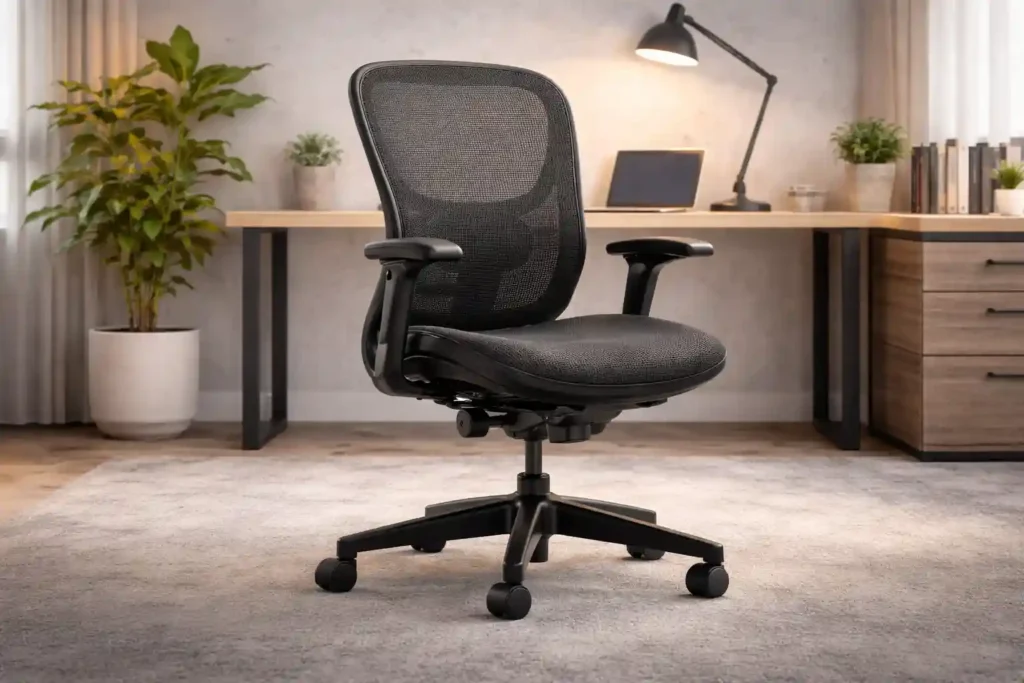
The Steelcase Leap chair is designed to follow the natural movement of your spine.
Steelcase Leap Office Chair
- ✔ LiveBack spine support technology
- ✔ Adjustable seat depth
- ✔ Flexible ergonomic backrest
- ✔ Comfortable for long hours
Key Features
- LiveBack technology
- Adjustable lumbar firmness
- Seat depth adjustment
- Flexible backrest
Pros
✔ Highly adjustable
✔ Excellent spinal support
✔ Durable commercial build
Cons
✘ Premium price
✘ Slight learning curve for adjustments
Best For
People who want maximum customization.
3. SIHOO M57 – Best Mid-Range Ergonomic Chair
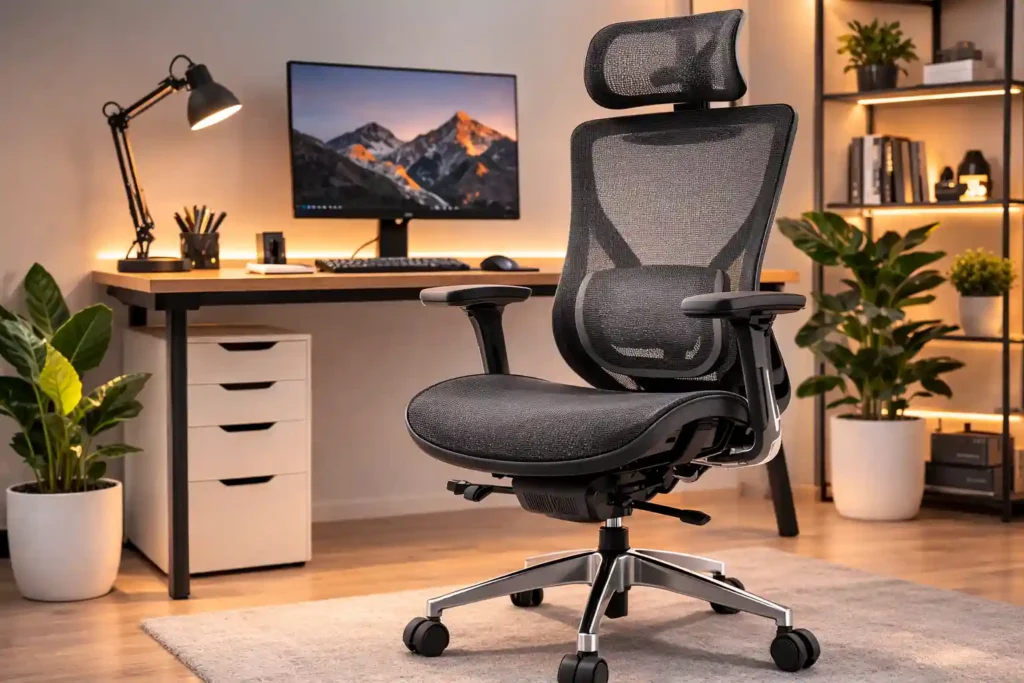
The SIHOO M57 is a popular ergonomic chair that offers great lumbar support at a more affordable price.
SIHOO M57 Ergonomic Office Chair
- ✔ Breathable mesh design
- ✔ Adjustable headrest
- ✔ Dual lumbar support
- ✔ 3D adjustable armrests
Key Features
- Adjustable headrest
- Dual lumbar support
- Breathable mesh back
- 3D adjustable armrests
Pros
✔ Affordable ergonomic chair
✔ Comfortable mesh design
✔ Good lumbar adjustment
Cons
✘ Not as durable as premium chairs
✘ Limited seat padding
Best For
Remote workers who want good ergonomics without spending too much.
4. Hbada Ergonomic Office Chair – Best Budget Option
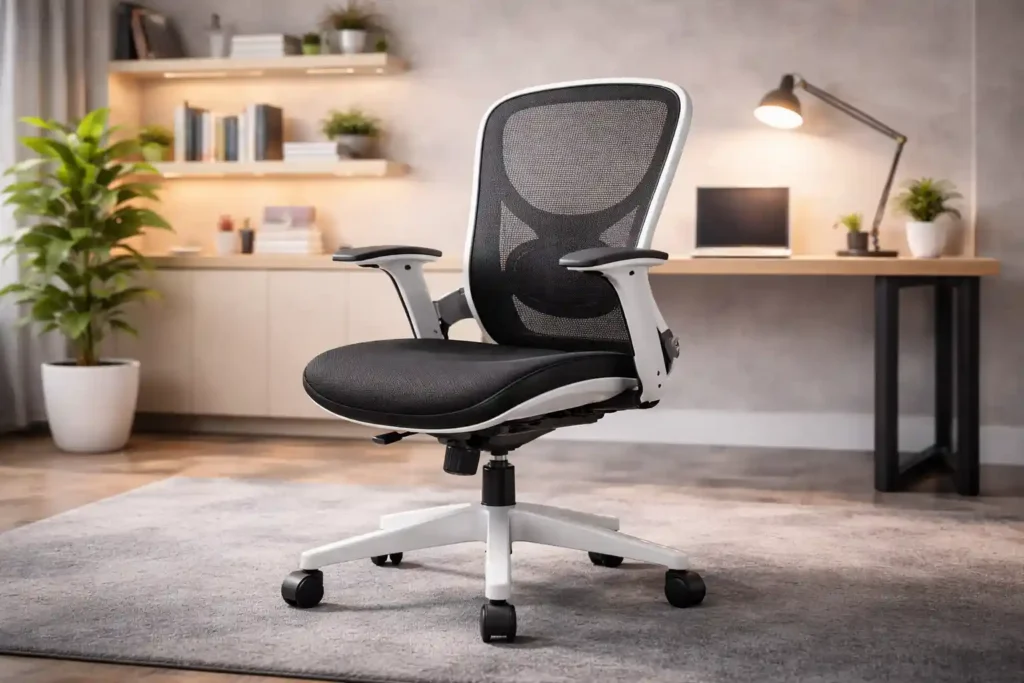
The Hbada Ergonomic Chair is designed for home offices and small workspaces.
HBADA Ergonomic Office Chair
- ✔ Compact ergonomic design
- ✔ Breathable mesh back
- ✔ Space-saving structure
- ✔ Budget-friendly price
Key Features
- Built-in lumbar support
- Space-saving design
- Breathable mesh back
Pros
✔ Affordable price
✔ Compact design
✔ Easy assembly
Cons
✘ Limited adjustability
✘ Not ideal for long hours
Best For
Students and casual users.
5. GTPLAYER Chair with Pocket Spring Lumbar Support
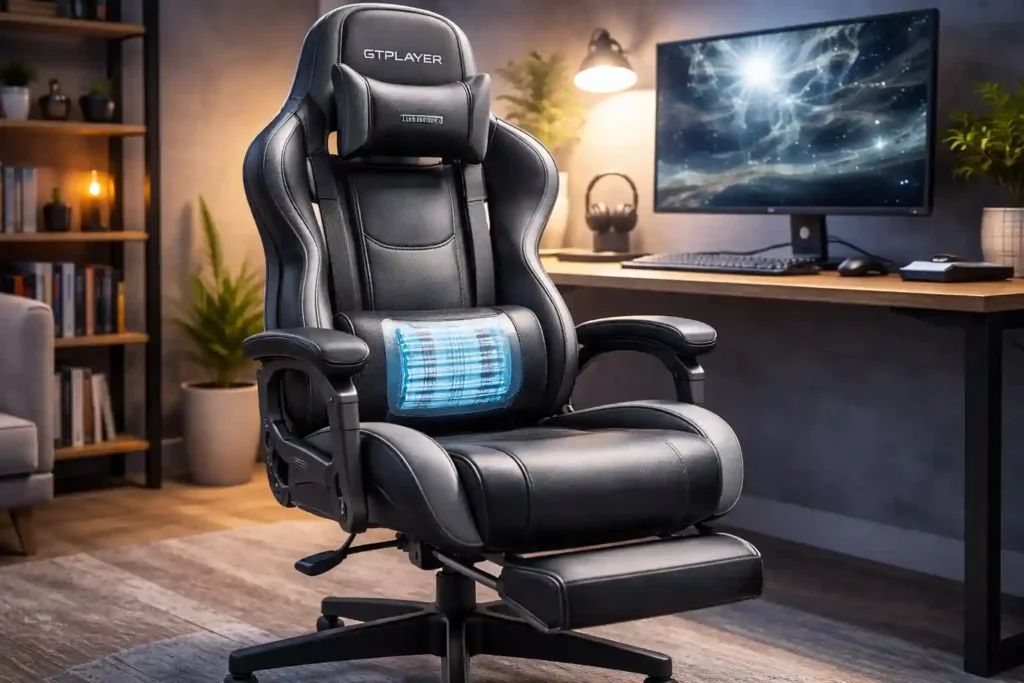
Comfortable PU leather gaming and office chair with adjustable headrest, lumbar pillow, and retractable footrest — great for long gaming or sitting sessions.
GTPLAYER Chair with Pocket Spring Lumbar Support
Comfortable PU leather gaming and office chair with adjustable headrest, lumbar pillow, and retractable footrest — great for long gaming or sitting sessions.
- ✔ Ergonomic high-back design with lumbar support
- ✔ Adjustable headrest and footrest for added comfort
- ✔ Massage lumbar cushion for back relief
- ✔ Easy assembly and sturdy build quality
Key Features
- Fully adjustable armrests
- Flexible seat edge
- Adjustable lumbar depth
- Strong frame
Pros
✔ Excellent upper back support
✔ Comfortable for 10+ hours
✔ Great build quality
✔ Smooth recline
Cons
✘ High price
✘ Can feel firm at first
Best For
Professionals working long hours at a desk.
It’s especially good for people who type or use multiple screens all day.
Types of Lumbar Support in Office Chairs
Not all lumbar support systems are the same.
Here are the main types.
1. Built-In Lumbar Support
This is a fixed curve in the chair’s backrest.
It provides basic support but cannot be adjusted.
2. Adjustable Lumbar Support
This type allows you to change:
- Height
- Depth
- Firmness
It provides the best ergonomic support.
3. Dynamic Lumbar Support
Some premium chairs adjust automatically when you move.
This keeps your back supported even when reclining.
4. External Lumbar Cushion
Some people use an external pillow or cushion to support the lower back.
This can improve comfort on chairs without built-in support.
Buying Guide – How to Choose a Chair with Good Lumbar Support
When buying an office chair, consider the following factors.
Adjustable Lumbar Support
The best ergonomic chairs allow you to adjust the height and depth of lumbar support.
This ensures it matches the curve of your spine.
Breathable Materials
Mesh backrests allow better airflow and prevent overheating during long work hours.
👉 This guide explains the mesh vs leather office chair pros and cons so you can make the right decision.
Seat Depth
Proper seat depth ensures your thighs are supported without putting pressure on your knees.
Recline Mechanism
A good recline feature helps reduce pressure on the spine.
Build Quality
High-quality ergonomic chairs last 8–12 years with proper care.
FAQs
What does lumbar support mean in an office chair?
Lumbar support refers to the curved support in the lower part of a chair’s backrest that helps maintain the natural curve of your lower spine.
Do I really need lumbar support?
Yes. Lumbar support helps prevent slouching and reduces lower back pain during long sitting sessions.
Is adjustable lumbar support better?
Yes. Adjustable lumbar support allows you to customize the chair to fit your spine perfectly.
Can lumbar support reduce back pain?
Yes. A well-designed lumbar support system can significantly reduce lower back strain and improve posture.
👉 If back pain is your main concern, read our guide on Best Office Chair for Back Pain to find chairs designed for spinal support.
How do I know if lumbar support fits correctly?
The lumbar support should rest comfortably in the curve of your lower back without pushing you forward.
Conclusion – Is Lumbar Support Important?
If you spend long hours sitting at a desk, lumbar support is one of the most important features in an office chair.
A chair without proper support can lead to:
- Back pain
- Poor posture
- Muscle fatigue
Investing in a chair with good lumbar support can significantly improve your comfort and productivity.
Final Recommendations
Best overall lumbar support: Herman Miller Aeron
Best adjustable support: Steelcase Leap
Best budget ergonomic chair: SIHOO M57
Choosing the right ergonomic chair isn’t just about comfort—it’s an investment in your long-term health and posture.
Buy Now on Amazon →
1 thought on “What Is Lumbar Support in an Office Chair? (2026 Guide for Better Back Support)”